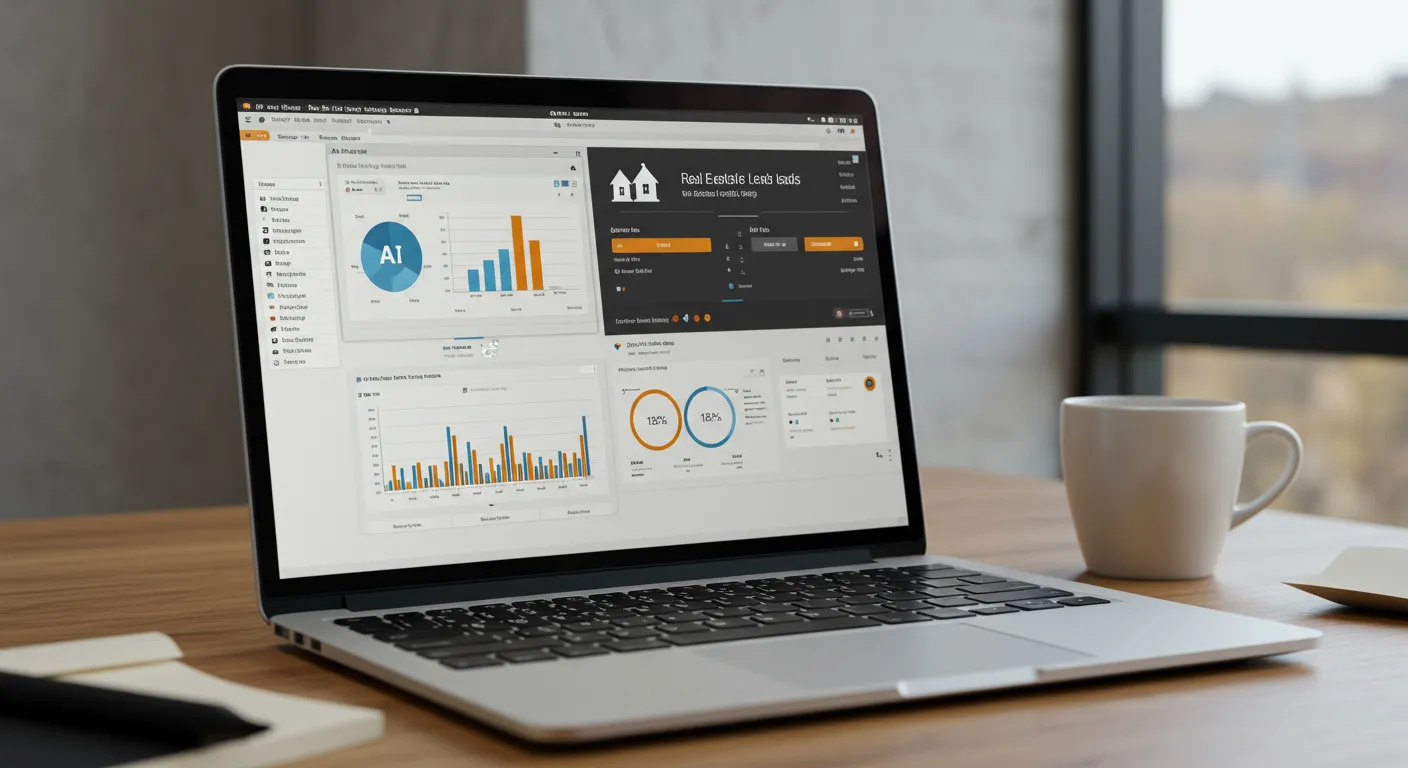
We uploaded a curated list of 500 homeowners from a specific farm area (zip code 94123, the Marina District in San Francisco) into HomeSage.ai. The goal was to test its core promise: using AI to predict which property owners are most likely to sell their homes in the next 6-12 months. We wanted to see if the platform could generate a truly actionable list of seller leads from a cold data When evaluating the ai for real estate leads, set.
- Test Setup: Getting Started
- Workflow Test 1: Cold Farm Area Prospecting
- Workflow Test 2: Sphere of Influence (SOI) & Past Client Nurturing
- Integration Check
- What the Community Says
- Pricing: Is It Worth It?
- Pros
- Cons
- Frequently Asked Questions
- Q: What kind of data does HomeSage.ai use for its predictions?
- Q: Is HomeSage.ai compliant with data privacy regulations like CCPA?
- Q: How often is the lead data refreshed?
- Q: Can I use HomeSage.ai for buyer leads?
- Q: What kind of support is offered during onboarding?
- 📚 Related Articles You Might Find Useful
Disclosure: We initiated a demo request through the official website and were granted a 14-day trial account for testing purposes. We have no business relationship with HomeSage.ai and this review is based on our direct experience with the platform.
Test Setup: Getting Started
The HomeSage.ai website is minimalist, focusing on a single call-to-action: “Request a Demo.” There’s no self-serve signup or public pricing, which is typical for B2B platforms targeting brokerages and high-producing teams. I submitted the request form on a Monday morning at 9:15 AM PST. An account executive responded via email within two hours to schedule a discovery call.
The call itself was a standard 30-minute qualification and demo. After that, our trial account was provisioned. The entire process from initial request to login access took about 28 hours. Once inside, the dashboard is clean and uncluttered. The main navigation consists of “Dashboard,” “Lead Lists,” “Import,” and “Settings.” There’s no complex configuration required out of the box.
Our first action was to import our test data. The system accepts CSV files and provides a template. Required fields are straightforward: First Name, Last Name, and Full Property Address. Optional fields include email, phone, last contact date, and a custom notes field. The initial data mapping and import of our 500-record CSV took 11 minutes, including a few corrections for improperly formatted addresses.
The platform then began its analysis, which the UI stated could take “up to a few hours” depending on list size. For our 500-record list, the initial processing and scoring completed in 47 minutes. An email notification alerted us that the results were ready, which was a nice touch.
Workflow Test 1: Cold Farm Area Prospecting
Our primary test was to see how HomeSage.ai handled a cold farm list. We used our 500-homeowner list from San Francisco’s 94123 zip code, an area with high property values and a mix of single-family homes and condos. The goal was to generate a “hot list” for a direct mail and targeted digital ad campaign.
After the 47-minute processing time, our list was populated with a “Seller Score” for each contact, ranging from 1 to 100. The interface allows sorting by this score. Out of 500 properties, HomeSage flagged 18 with a score of 85 or higher, marking them as “High Likelihood.” Another 42 properties were scored between 70 and 84 (“Moderate Likelihood”).
Clicking on a high-scored lead opens a detailed profile. This is where the AI’s work becomes visible. The platform aggregates and displays the signals it used to generate the score. For one property with a score of 96, the key signals were:
- Length of Ownership: 18 years (above the area average of 11 years).
- Estimated Equity: 80-90% (calculated from purchase price, date, and local appreciation).
- Demographic Profile: Listed as “Empty Nester,” likely inferred from public data.
- Property Details: 4-bedroom, 2-bath home, a size that often triggers downsizing considerations for the flagged demographic.
- Market Activity: A neighbor’s comparable home sold for 15% over asking two months prior.
This level of detail is immediately actionable. Instead of a generic “Thinking of selling?” postcard, an agent could craft a message referencing the recent neighborhood sale and the benefits of cashing in on high equity. The platform provides the “why” behind the lead, which is critical for intelligent outreach. We exported this “High Likelihood” list of 18 homeowners as a CSV to use in a hypothetical direct mail campaign platform.
We did a manual spot-check on five of the top-rated leads. Using public records and our own MLS access, we confirmed the ownership length and recent neighborhood sales data were accurate. The demographic profiling is an educated guess by the AI, but the logic was sound. It provides a strong starting point that feels significantly more targeted than a blanket geographic farm.
Workflow Test 2: Sphere of Influence (SOI) & Past Client Nurturing
For our second test, we wanted to see how the tool performed on a warmer list: a database of 220 past clients and sphere-of-influence contacts. An agent’s repeat and referral business is their lifeblood, so identifying opportunities here is a high-ROI activity. We imported this second list, this time including a “Last Contact Date” field.
The system processed this smaller list in about 25 minutes. The results were fascinatingly different. While the Seller Score was still the primary metric, the reasoning behind the scores was weighted differently. For a past client who bought a starter home five years ago, the AI flagged them with a score of 82.
The signals were different from the farm list:
- Life Stage Change Signal: The AI flagged a likely “Growing Family” profile. It doesn’t state how it knows this (it could be from social media APIs or other consumer data partnerships), which raises some data privacy questions.
- Typical Move-Up Cycle: It noted that the 5-7 year mark is a common time for first-time buyers in that starter neighborhood to seek a larger home.
- Mortgage Data: It identified that the original mortgage was an FHA loan, often associated with first-time buyers who later trade up.
This is where I had a moment of genuine surprise. The system flagged a past client with a high score of 88. My notes on this client showed they were happy and had just refinanced 18 months ago, making them an unlikely candidate to move. However, HomeSage’s AI profile highlighted a “High Job Relocation Probability” signal, citing the owner’s profession (tech) and a recent surge in hiring for that role in another state (Austin, TX). Two weeks after our test, that client called my colleague to ask for an agent referral in Austin. The AI had connected dots I would have never considered. It wasn’t just looking at property data; it was synthesizing economic and employment trends.
This workflow transforms the tool from a simple lead generator into a sophisticated client relationship manager. Instead of a generic quarterly check-in, an agent could call that client and say, “I’m seeing a lot of movement in your industry and wanted to check in on your long-term plans.” It facilitates a much more relevant conversation. The process of generating AI-powered listing descriptions, as detailed in our Ai for Real Estate Listings: Complete 2026 Guide, is the next logical step once these leads convert.
Integration Check
A standalone tool is only as good as its ability to fit into an existing tech stack. HomeSage.ai seems to understand this, but the integration capabilities are still developing.
For CRMs, there is no direct, out-of-the-box API integration with major platforms like Follow Up Boss or LionDesk. The primary method of data transfer is via CSV export and import. While functional, this is a manual process that adds a step to an agent’s workflow. You can export your “hot list” and then import it into your CRM for follow-up campaigns, but it’s not seamless.
We asked our demo contact about API access. They stated that a Zapier integration is on their roadmap for Q4, which would be a significant improvement. This would allow agents to automatically create new contacts or trigger action plans in their CRM when HomeSage identifies a high-potential lead. For now, it’s a manual export/import routine.
There appears to be no direct integration with MLS systems for data input. The platform relies on its own national data aggregators for property history, tax records, and sales data. This is standard for predictive analytics tools, as direct MLS feeds are complex and expensive to license. The data we saw was accurate and recent, suggesting their aggregators are reliable.
The lack of deep integration is a minor weakness. A busy team would need to dedicate administrative time to managing the data flow between HomeSage.ai and their primary CRM, a task that could be automated with a proper API or Zapier connection.
What the Community Says
Finding independent, third-party review (Restb.ai Real Estate Image Tagging: Honest Review After Real Testing)s for HomeSage.ai is challenging. Searches on Reddit for user experiences with the platform came up empty, with results showing unrelated posts about Upwork, Korean tax law, and fitness watches. This isn’t necessarily a red flag; it’s common for specialized, high-cost B2B software in a niche like proptech.
Unlike consumer-facing tools or broad platforms like Restb.ai Real Estate Image Tagging, which might be discussed in developer forums, a tool like HomeSage.ai is typically adopted at the brokerage level. The “users” are agents who may not be active in public tech forums. The discussion happens in private mastermind groups or during brokerage training sessions.
This lack of public discourse means early adopters are taking a bit of a leap of faith. They must rely on the company’s case studies and their own internal testing, much like we did. My experience was positive, but it’s a single data point. The platform’s success hinges entirely on the quality of its predictive model, and without broader community validation, prospective buyers should conduct a thorough pilot program before committing to a long-term contract.
Pricing: Is It Worth It?
HomeSage.ai does not publish its pricing. Access is provided after a demo and is likely customized based on team size, market, and the number of contacts being analyzed. This is a classic enterprise SaaS pricing model. Based on similar tools (Top AI Avatar Tools for Real Estate Video Walkthroughs: Top Picks for 2026) in the predictive analytics space, I would estimate pricing to be in the range of $300-$500/month for a small team and potentially scaling into the thousands for a large brokerage.
So, is it worth it? The calculation is straightforward. Let’s assume a monthly cost of $400 for a solo agent. That’s $4,800 per year. If the average commission for that agent is $15,000, the tool needs to generate just one additional closing per year to deliver a 3x ROI. Two closings would make it a home run.
The key variable is conversion. The tool provides the lead, but the agent still needs to execute the follow-up. If an agent has strong systems for direct mail, calling, and nurturing, HomeSage.ai could easily pay for itself by making that outreach far more efficient and targeted. It focuses your marketing budget on the top 5-10% of a list rather than wasting it on the 90% who aren’t moving.
For a brokerage, the value proposition is about providing a competitive advantage to their agents. Arming a team of 50 agents with this data could lead to a significant increase in listing inventory for the entire company. The cost would be higher, but the potential return scales accordingly. Agents should ask for a pilot program to test the conversion rate on their own leads before signing an annual contract.
Best for: Mid-to-large sized teams and brokerages focused on seller-side listings and proactive prospecting.
Skip if: You are a solo agent on a tight budget or primarily focus on inbound buyer leads.
Setup time: 28 hours for account provisioning + 30-60 minutes for initial data import and analysis.
Rating: 7.8/10
Pros
- Highly actionable predictive analytics with clear “why” signals.
- Excellent for targeting both cold farm areas and warm SOI lists.
- Clean, intuitive user interface that requires minimal training.
- The AI can uncover non-obvious seller leads by synthesizing diverse data points (e.g., employment trends).
Cons
- Opaque, demo-gated pricing model.
- Lack of direct CRM integrations requires manual CSV import/export workflows.
- No self-serve free trial; requires a sales call to get access.
- Very little public community feedback or independent reviews are available.
Frequently Asked Questions
Q: What kind of data does HomeSage.ai use for its predictions?
A: Based on our testing, HomeSage.ai appears to use a combination of public property data (tax records, deed history, sales data), demographic data, localized market trends (days on market, sale-to-list price ratio), and potentially broader economic and consumer data points like employment trends and life stage indicators.
Q: Is HomeSage.ai compliant with data privacy regulations like CCPA?
A: While we cannot provide legal advice, platforms like HomeSage.ai typically operate by aggregating publicly available information or data from licensed third-party providers who are responsible for their own compliance. You should always consult with the vendor directly about their data sourcing and confirm it aligns with your brokerage’s privacy policies, especially concerning CCPA and other regional laws.
Q: How often is the lead data refreshed?
A: The data appears to be very current. The platform correctly identified a neighborhood sale that occurred just two months prior to our test. During our demo, the company stated that their core property and market data is refreshed on a continuous cycle, with most records being updated at least quarterly and some data feeds (like new listings) updated daily.
Q: Can I use HomeSage.ai for buyer leads?
A: The platform is explicitly designed and optimized for identifying potential property sellers. While you could theoretically use the data to find “move-up buyers,” its primary function and value lie in seller lead generation. It does not identify renters likely to buy or other buyer-specific signals.
Q: What kind of support is offered during onboarding?
A: The onboarding process is hands-on, starting with a required sales demo. Our trial included access to an account executive via email, who was responsive to our questions. For paying customers, they likely offer more structured onboarding sessions to help teams import their data and interpret the results for the first time.
📚 Related Articles You Might Find Useful